PHPygments - PHP syntax highlighter based on [Pygments](http://pygments.org/ "")
======================
Server side syntax highlighter based on Pygments highlighter software.
## Installation:
To use this plugin you need pygments in your server:
```
sudo apt-get install python-setuptools
easy_install Pygments
```
That's all. Now you can download the plugin and install it in your Wordpress.
## Usage
```php
require "../PHPygments.php";
$code = file_get_contents("test.js");
$result = PHPygments::render($code, "js");
//Load CSS for this highlighted code
foreach ($result["styles"] as $style) {
print '';
}
//and print the code.
echo $result["code"];
```
##Options
PHPygments::render($code, $language, $style)
* `$code`: the source code to highlight
* `$language`: Language type. see section "Languages and filetypes supported" in this doc.
* `$style`: Color style to use (default to "default" style). see "Color styles" un this doc.
##Color styles
These are supported color styles:
* `monokai`
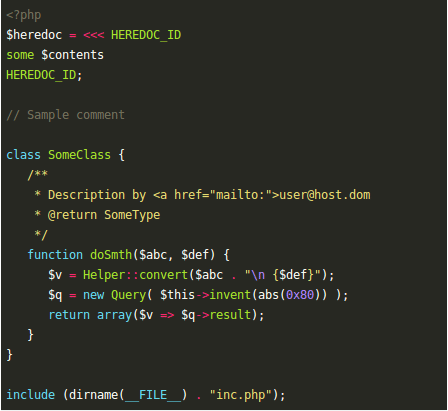
* `manni`
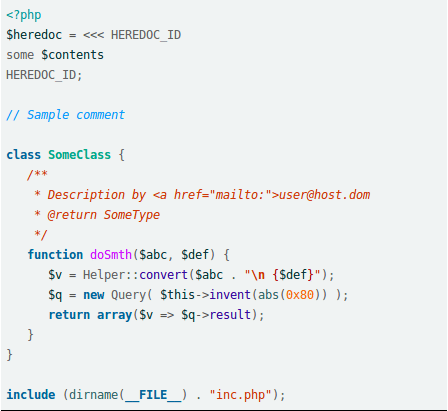
* `rrt`
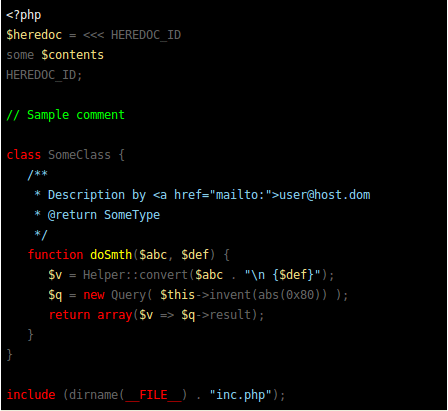
* `perldoc`
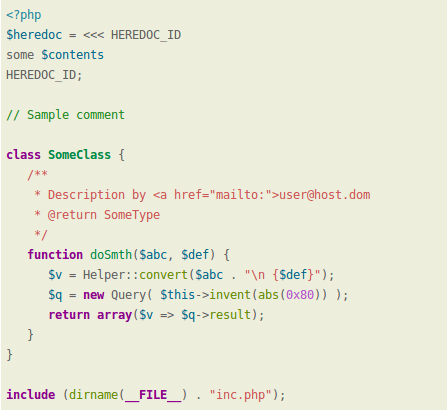
* `borland`
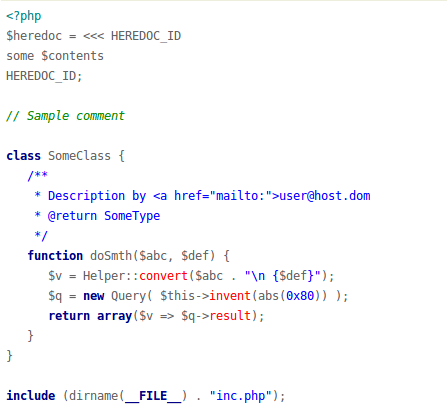
* `colorful`
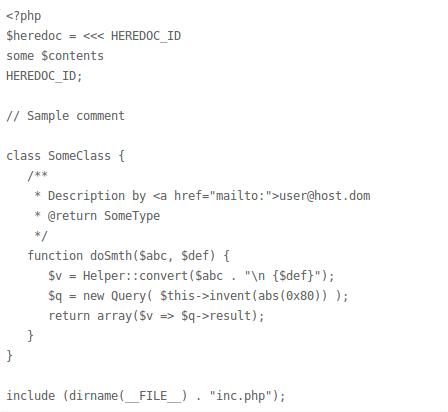
* `default`
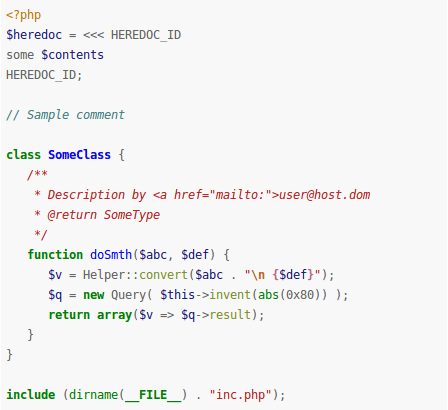
* `murphy`
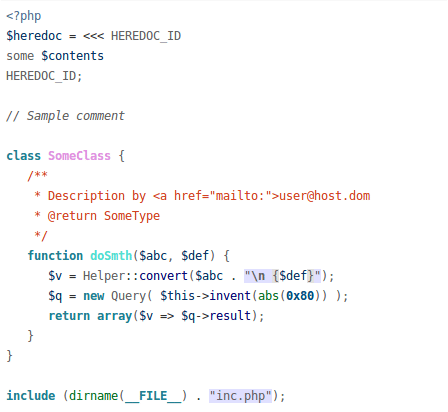
* `vs`
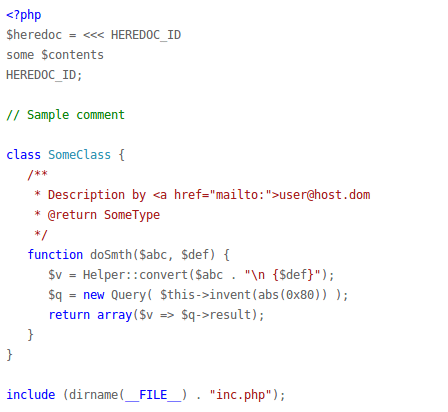
* `trac`
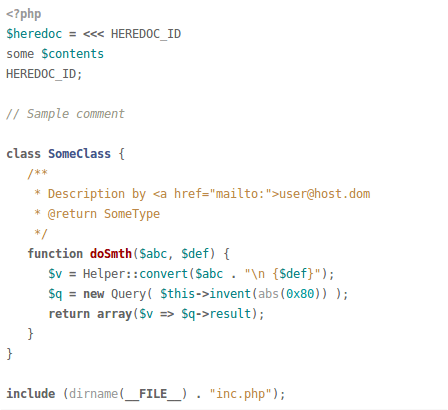
* `tango`
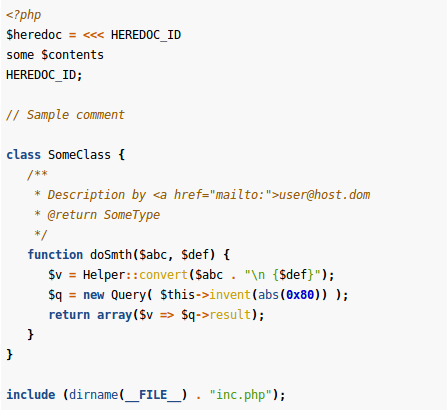
* `fruity`
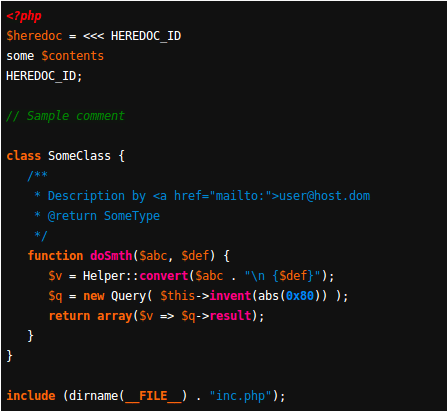
* `autumn`
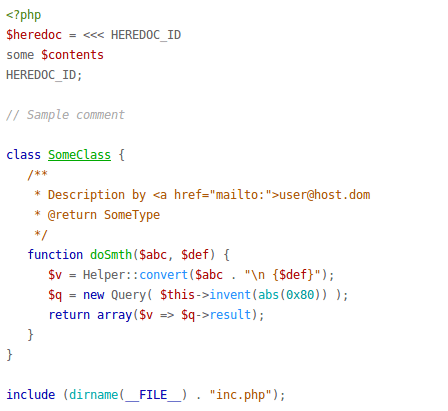
* `bw`
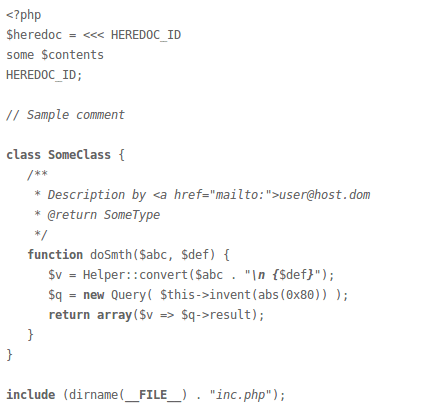
* `emacs`
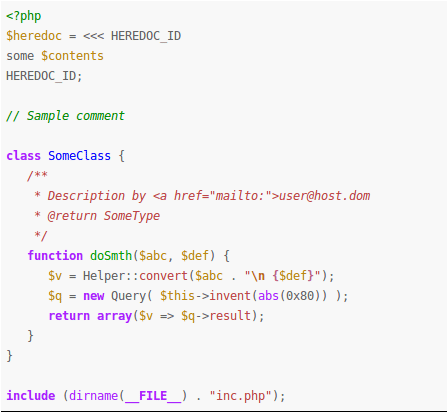
* `vim`
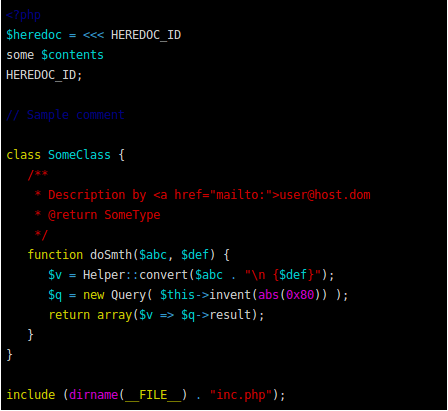
* `pastie`
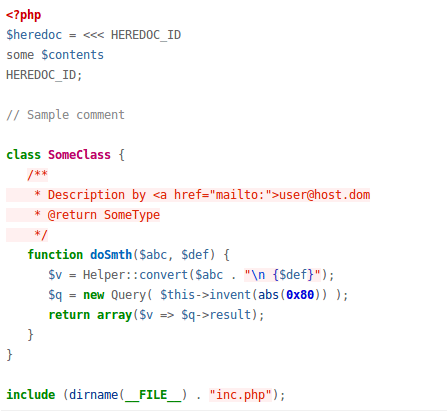
* `friendly`
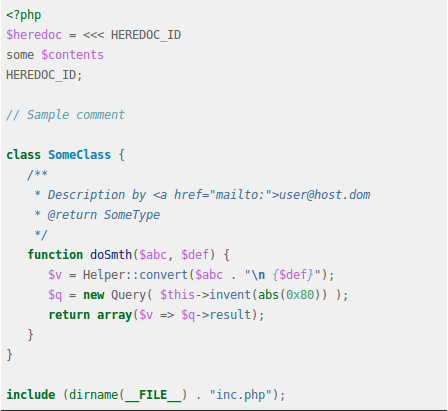
* `native`
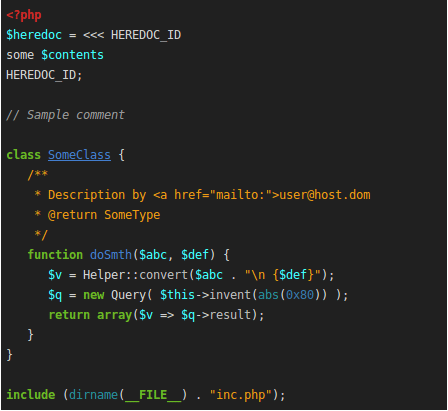
##Languages and filetypes supported
Pygments not only highlights languages. also highlights filetypes like .conf **Nginx** configuration file, **Apache** (filenames .htaccess, apache.conf, apache2.conf), etc.
NOTE: to use see "Usage" section
#####General
* `apacheconf`: (.htaccess, apache.conf, apache2.conf)
* `bash`, `sh`, `ksh`:
(*.sh, *.ksh, *.bash, *.ebuild, *.eclass, .bashrc, bashrc)
* `ini`, `cfg`: (*.ini, *.cfg)
* `makefile`:
(*.mak, Makefile, makefile, Makefile.*, GNUmakefile)
* `nginx`:
Nginx configuration file
* `yaml`:
(*.yaml, *.yml)
* `perl`:
Perl (*.pl, *.pm)
* `vb.net`:
VB.net (*.vb, *.bas)
* `console`:
Bash Session (*.sh-session)
#####Javascript
* `javascript`: Pure Javascript
* `coffeescript`: Pure CoffeeScript
* `json`: Pure JSON
#####PHP
* `cssphp`: PHP embedded in CSS
* `htmlphp`: PHP embedded in HTML
* `jsphp`: PHP embedded in JS
* `php`: Pure PHP
* `xmlphp`: PHP embedded in XML
#####Ruby
* `ruby`, `duby`: Ruby (*.rb, *.rbw, *.rake, *.gemspec, *.rbx, *.duby)
* `csserb`, `cssruby`: Ruby embedded in CSS
* `xmlerb`, `xmlruby`: Ruby embedded in XML
#####CSS and CSS compilers
* `css`:
CSS (*.css)
* `sass`:
Sass (*.sass)
* `scss`:
SCSS (*.scss)
#####HTML and HTML template systems
* `html`:
HTML (*.html, *.htm, *.xhtml, *.xslt)
* `haml`:
Haml (*.haml)
* `jade`:
Jade (*.jade)
#####SQL
* `sql`:
SQL (*.sql)
* `sqlite3`:
sqlite3con (*.sqlite3-console)
* `mysql`:
MySQL
#####Python, jinja & Django
* `python`: Pure Python
* `python3`: Pure Python 3
* `xmldjango`, `xmljinja`: Django/Jinja embedded in XML
* `cssdjango`, `cssjinja`: Django/Jinja embedded in CSS
* `django`, `jinja`: Pure Django/Jinja
* `htmldjango`, `htmljinja`: Django/Jinja embedded in HTML
* `jsdjango`, `jsjinja`: Django/Jinja embedded in Javascript
#####Java & Groovy
* `java`:
Java (*.java)
* `groovy`:
Groovy (*.groovy)
* `jsp`:
Java Server Page (*.jsp)
#####C, C++, Objetive-c, C Sharp
* `cobjdump`: c-objdump (*.c-objdump)
* `c`: C (*.c, *.h, *.idc)
* `cpp`: C++ (*.cpp, *.hpp, *.c++, *.h++, *.cc, *.hh, *.cxx, *.hxx)
* `csharp`: C# (*.cs)
* `objectivec`: (*.m)
#####XML
* `xml`: (*.xml, *.xsl, *.rss, *.xslt, *.xsd, *.wsdl)
* `xslt`: (*.xsl, *.xslt)