# WP-Sitebuilder
WP Sitebuilder is to let you build your wordpress site with pagebuilder along with other features

### Features ###

* Drag and drop pagebuilder
* Lightweight
* Easy to use
* Easily customizable
* Easily extendable

### Apart from this ###

* You will have 24/7 support.
* Continuously updating

### Installation ###

This section describes how to install the plugin and get it working.

1. Upload the plugin files to the `/wp-content/plugins/wp-sitebuilder` directory, or install the plugin through the WordPress plugins screen directly.
2. Activate the plugin through the 'Plugins' screen in WordPress
3. Now you will get pagebuilder panel in all post type edit page.

### Screenshots ###

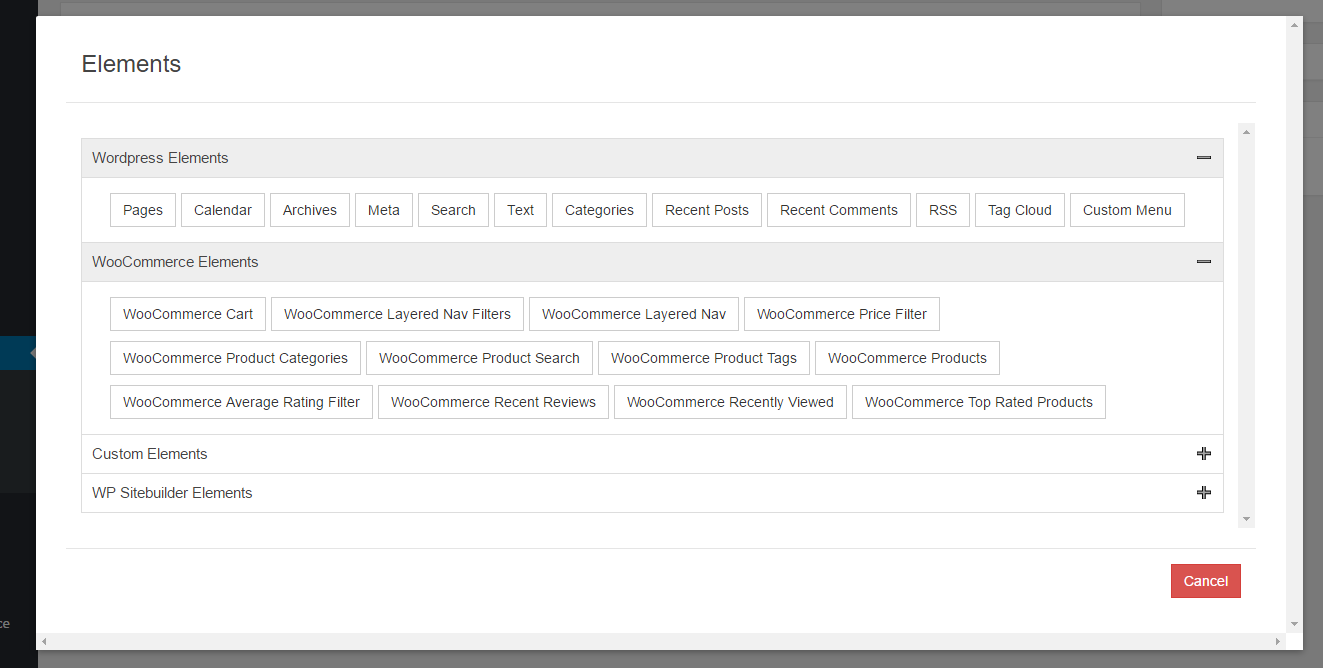
1. ![WP Sitebuilder](http://mithublue.github.io/images/wp-sitebuilder/screenshot-1.png)
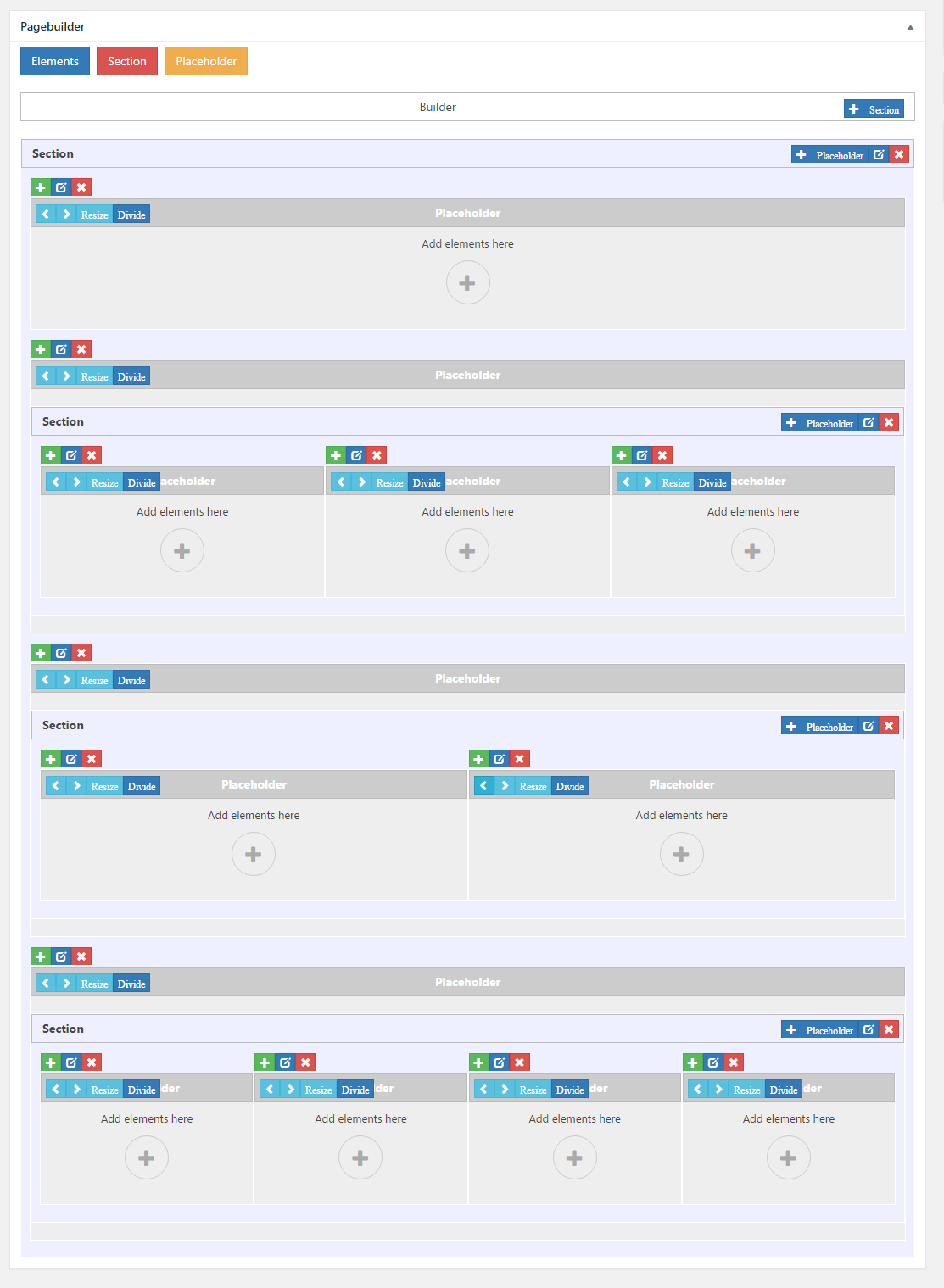
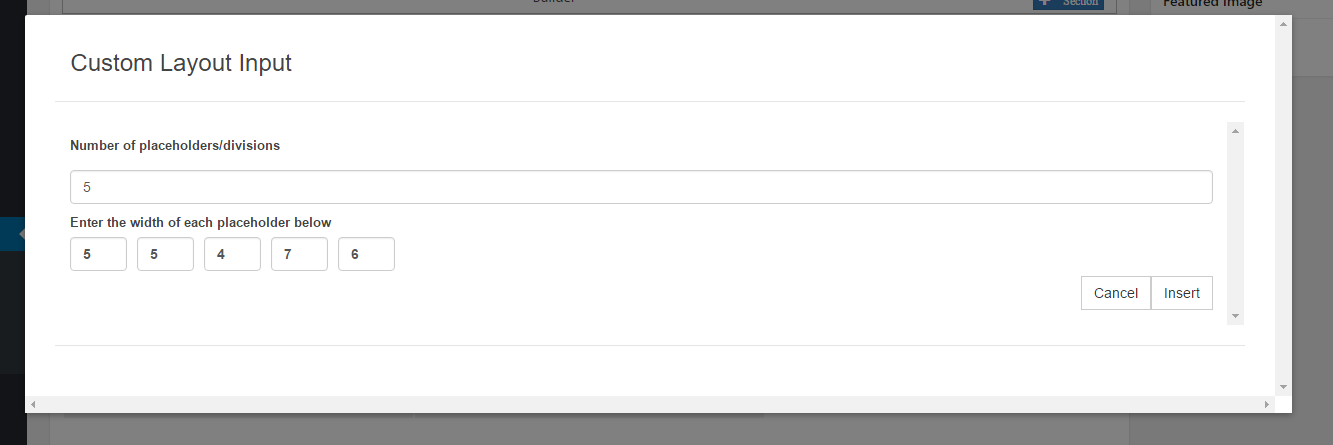
2. ![WP Sitebuilder](http://mithublue.github.io/images/wp-sitebuilder/screenshot-2.png)
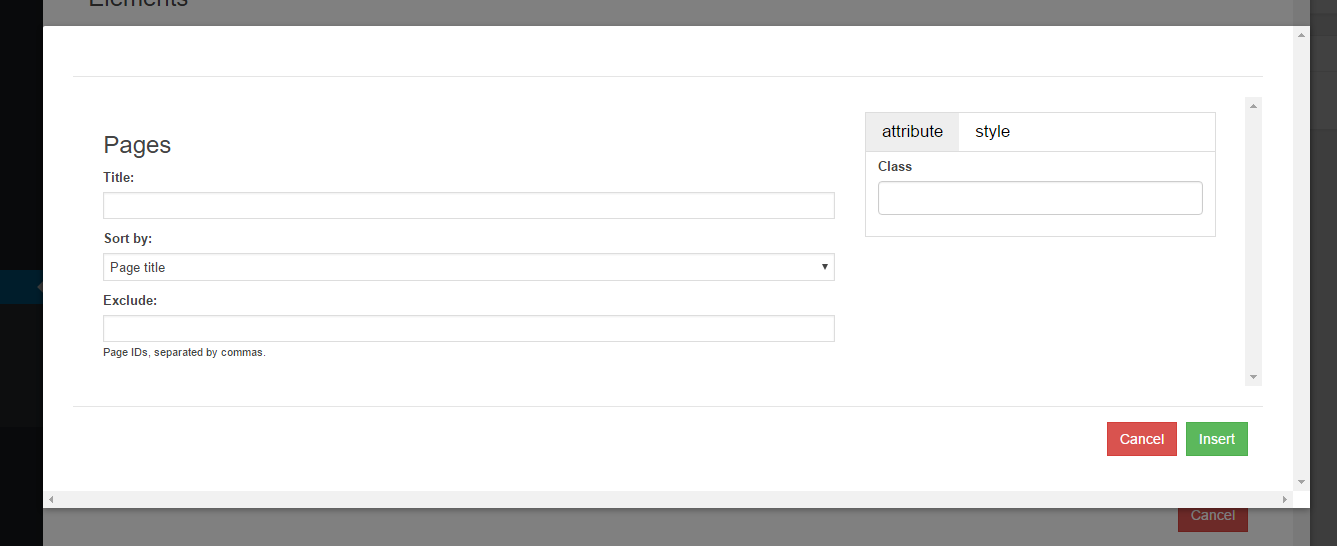
3. ![WP Sitebuilder](http://mithublue.github.io/images/wp-sitebuilder/screenshot-3.png)
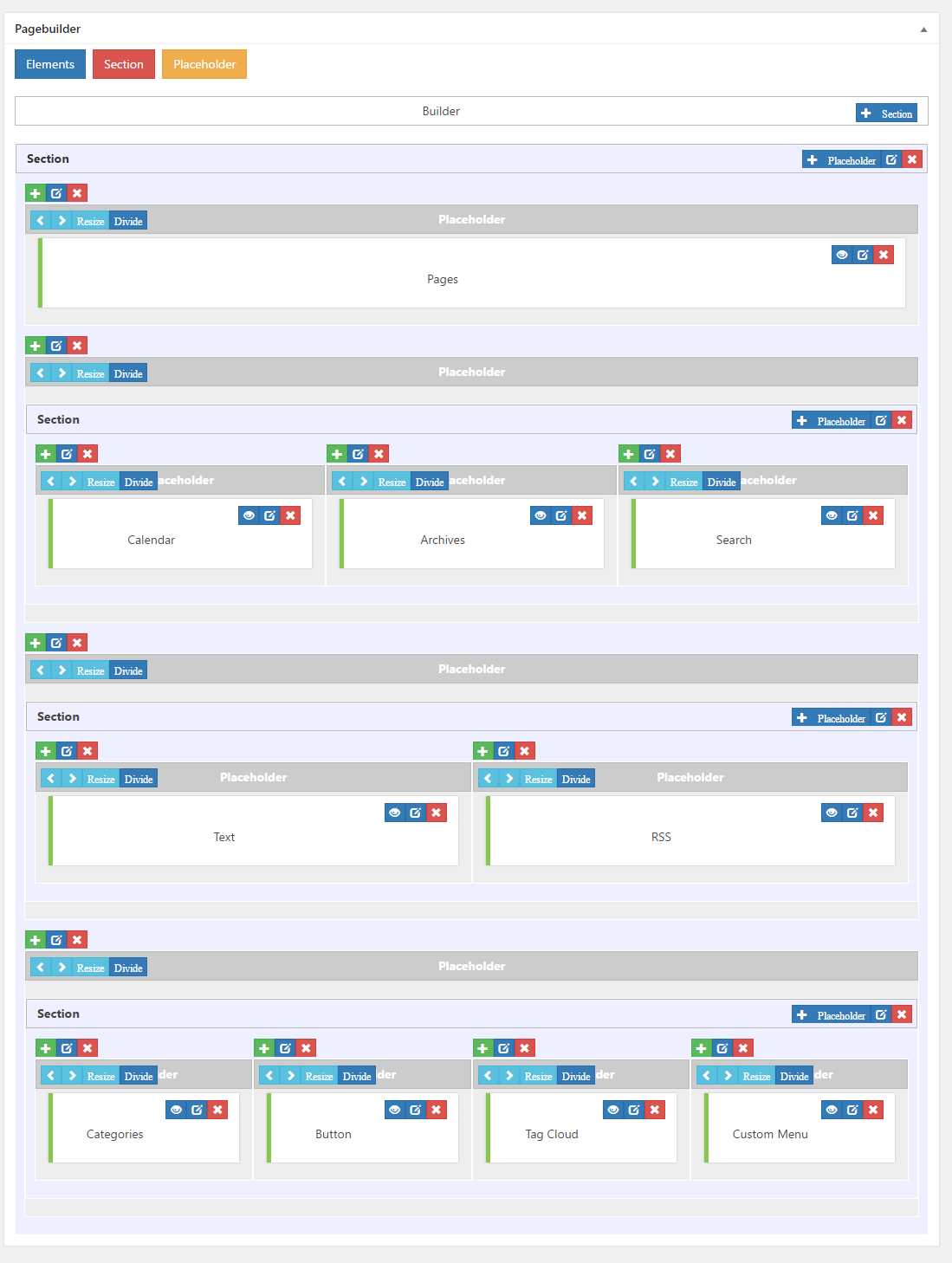
4. ![WP Sitebuilder](http://mithublue.github.io/images/wp-sitebuilder/screenshot-4.png)
5. ![WP Sitebuilder](http://mithublue.github.io/images/wp-sitebuilder/screenshot-5.png)

#### Author

Mithu A Quayium

<a href="http://cybercraftit.com/" target="_blank">Offisial Site</a> | <a target="_blank" href="https://profiles.wordpress.org/mithublue">Wordpress</a> | <a target="_blank" href="https://www.linkedin.com/in/mithu-quayium-9b594630?trk=hp-identity-name">Linked In</a> | <a target="_blank" href="https://twitter.com/mithuaquayium">Twitter</a> | <a target="_blank" href="https://plus.google.com/u/0/+MithuAQuayium-MAQ">Google Plus</a> | <a target="_blank" href="https://www.facebook.com/mithu.quayium">Facebook</a>