So you're developer.
We take care about you, no matter, whether you get our plugin from the client
or bought it for your purposes. You don't need to change anything inside the plugin (at least we hope so).
You will have full control on the plugin right from other plugin,
or theme, or whatever you use in your wordpress.
Code control
You can override any of plugins classes somewhere before the after_setup_theme action:
-
WPAPN_Plugin - some main functions
-
WPAPN_AssetsController - css and js assets including
-
WPAPN_AdminController - admin functions
-
WPAPN_NotificationController - custom APN post type and related functions
-
WPAPN_ApiController - few API functions
-
WPAPN_MyApiController - dummy api class, which extends WPAPN_ApiController. This file is made to be replaced by your own.
We do not store users' device tokens. We assume you'll store device tokens in the wp_usermeta table
To send simple push notifications to the user:
// $user_id - some WordPress user id
// $order_id - some integer
// $Order - some example model
// the key '_ios_device_token' will be searched in the user meta of the user with ID=$user_id; you can
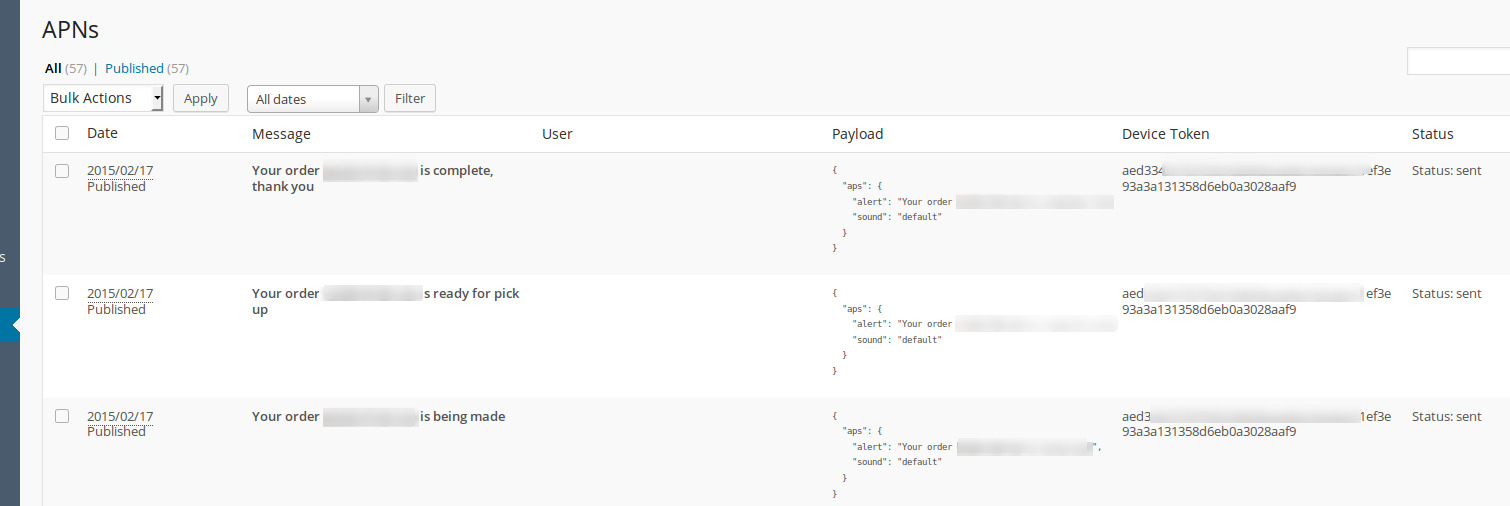
$message = sprintf(__('Your order %s is being made'),'#'.$order_id);
$result = WPAPN_MyApiController::simpleSendToUser($user_id, '_ios_device_token', $message);
if (!$result) {
	$Order->clientNotified($order_id);
}
To send some additional data with push notification:
$notification_id = WPAPN_MyApiController::advancedSendToUser(
	$user_id,
	'_ios_device_token',
	$message,
	array(
		'place_id' => $place_id
	)
);
What next?
Check Support section to get in touch with our support team.