# Integrate Asana with Gravity Forms — Welcome & Overview
**Integrate Asana with Gravity Forms** (IAWGF) helps you turn
**Gravity Forms** submissions into
actionable Asana tasks. With per‑form **feeds**, you decide **when** a
feed runs, **where** the task lands (projects/sections), **who** owns
it, and **what** fields it includes. With the premium version, you can
also attach files and map Asana custom fields. In addition, two
**Gravity Flow** steps let you run a feed or
update an existing task inside a Flow.
------------------------------------------------------------------------
## What Integrate Asana with Gravity Forms does
- Create **per‑form feeds** with conditional logic and merge tags in
**Task Name** and **Description**.
- Choose **feed triggers** that fit your workflow (Subscription,
Payment, and Notification triggers are **premium**).
- Set **due dates** as fixed, relative, mapped from a field, or none.
- Select **assignees** the connected Asana user can access. If you pick
more than one, the add‑on creates one task per assignee.
- Add **projects** (multi‑select) and **sections** (per project;
**premium**).
- Include **tags** and **collaborators** available to the connected
user.
- Attach **file uploads** to the task (**premium**).
- Map **custom fields** to Asana (**premium**).
- Use **Gravity Flow steps**: Create Task and Update Task (both
**premium**).
### Reliability you can expect
- The add‑on writes success and failure notes on each entry. When a feed
fails, it also creates a **backup task** with the original details so
you can recover fast.
- The add‑on uses the connected account’s current workspace context (the
first workspace returned by Asana for that account). We plan to add
explicit multi‑workspace selection support.
------------------------------------------------------------------------
## Before you start
To get up and running quickly, make sure you have the following.
- **Gravity Forms** installed and active.
- An **Asana account** with access to the projects, sections, assignees,
tags, collaborators, and custom fields you plan to use.
- **Integrate Asana with Gravity Forms** installed and active.
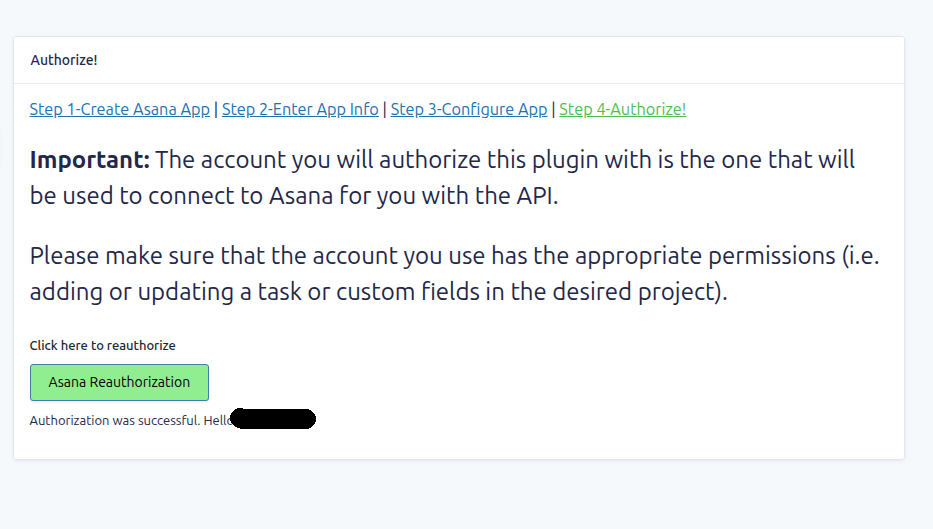
- **Connect to Asana**
> You’ll see an admin notice until you finish the OAuth connection. If
> credentials ever become invalid, the add‑on prompts you to reconnect.
------------------------------------------------------------------------
## How these docs are organized
To keep things predictable, we group topics by purpose. Start at
**Getting Started** if you’re new. Then move to **Setup** and **Settings
Reference**. When you want to accomplish a specific task, jump to
**How‑to Guides**. If something breaks, check **Troubleshooting**.
Finally, visit **Explanations & Concepts** for deeper background and
**Changelog & Roadmap** for updates.
- **Getting Started** – What the add‑on does & where to find plugin
settings.
- **Setup** – A full OAuth walkthrough for connecting to Asana & a
5‑minute first feed guide.
- **Settings Reference** – Explanations of all the fields you will see
while setting up a feed or workflow step.
- **How‑to Guides** – Goal‑based procedures such as conditional routing,
choosing the right trigger, using Gravity Flow steps & more.
- **Troubleshooting** – Backup task behavior, entry notes, common
permission or formatting issues, and what to send to support.
- **Explanations & Concepts** – How feeds run, performance
considerations, and current design limits.
- **Changelog & Roadmap** – Version updates and what’s coming next.