Monthly Horoscopes WordPress Plugin Readme
- Contributors: dklugmann2
- Tags: astrology, horoscope, horoscopes, monthly horoscopes, zodiac, zodiac signs, star signs, magazine, news, blog, plugin, posts
- Donate link: http://www.thebirthchart.com
- Requires at least: 4.4
- Tested up to: 4.9.6
- Requires PHP: 5.2
- Stable tag: 1.0
- License: GPLv2 or later
- License URI: https://www.gnu.org/licenses/gpl-2.0.html
Add up to 12 months of sun sign monthly horoscopes to your sites pages and posts pages with this free and easy to install WordPress plugin.
Description
Add sun sign monthly horoscopes to your WordPress site's pages and posts. Suitable for any site including astrology, online news, magazines and blogs, this horoscopes WordPress plugin, is free and easy to install. Simply follow the installation steps below and you can be up and running within minutes.
- This plugin uses a service that fetches data from MyAstrology Charts.com
- Requires WordPress 4.4 and PHP 5.2
Features
- You can choose any number between 1 and 12, of monthly horoscopes to display on your site.
- Horoscopes for the next month are usually available around the 25th of the previous month.
Contributors
The sun sign monthly horoscope interpretations are written by astrology services provider Stephanie Johnson. Other contributors include: Professional Astrology Software.com, Astrology Reports.com, The Birth Chart.com & Birth Chart Compatibility.com.
Installation
Installation and uninstallation are extremely simple, please follow these steps
- Download the monthly-horoscopes1.0.zip file
- Place the file 'monthly-horoscopes1.0.zip' in your WordPress installation plugins to the 'wp-content/plugins' directory.
- Unzip the file. This should create a folder called; 'monthly_horoscopes' that contains the plugin code monthly_horoscopes.php inside it.
- Activate the plugin through the 'Plugins' menu in WordPress. Find the plugin called; 'Monthly Horoscopes' and click the 'activate' link.
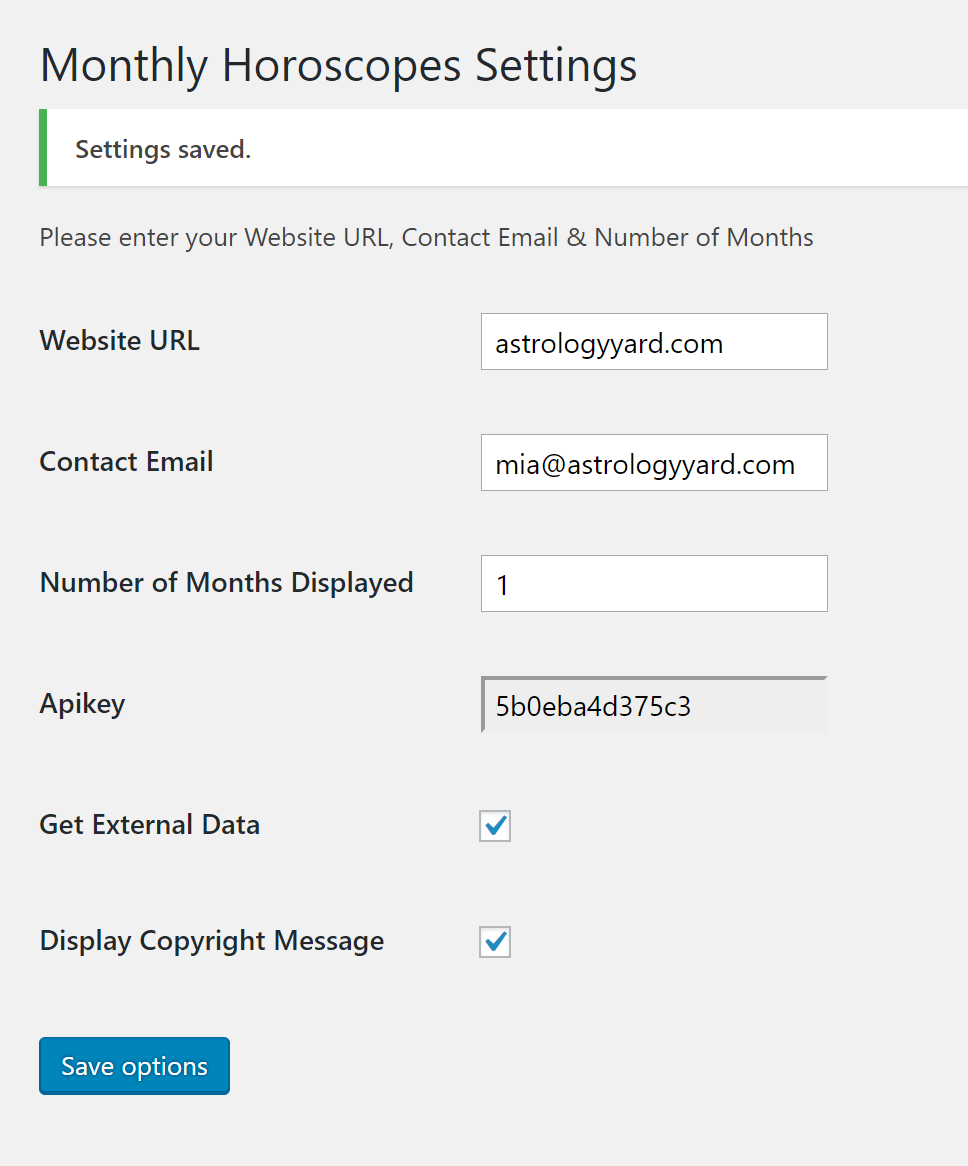
- Configure the plugin through the 'Plugins' menu in WordPress. Find the plugin called; 'Monthly Horoscopes' and click the 'settings' link. On the 'Horoscope Settings' screen:
- Enter your homepage website url and a contact email. These are optional and are for our records only and in general will not be used. Enter the number between 1 and 12, of monthly horoscopes you wish to display on your site.
- Tick the box to allow External Horoscope Data to be supplied. Your consent is needed for this.
- Optionally tick the box to allow the copyright message to be displayed.
- Click 'Save Options'
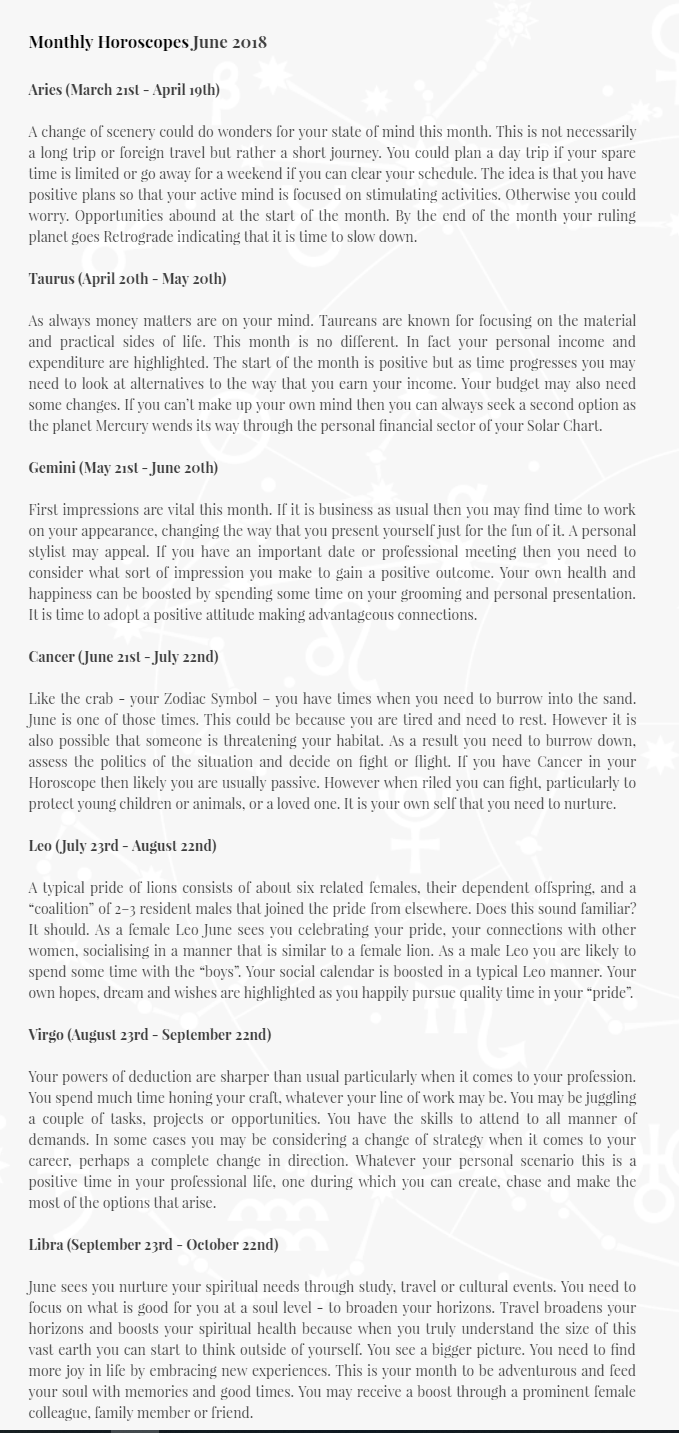
- Enter the keyword shortcode [monthly_horoscopes] in the page at the point you want the monthly horoscopes displayed.
You are done. Thanks and Enjoy !
Step by step installation instructions with screen shots are also available at https://astrologyyard.com/free-astrology-software.php.
Screenshot
Uninstalling
* From the Admin Panel go to 'Plugins' and deactivate the plugin.Support
* Please contact david@astrologyyard.com if you would like support with this plugin or have any suggestions.Frequently Asked Questions
When are the next monthly horoscopes available?
The next monthly horsocopes are usually available aound the 25th of the previous month.How do I set the number of monthly horoscopes to display on my site?
From the Admin Panel, go to 'Plugins', click 'Settings' and enter the number of months, between 1 and 12, on the Horoscope Settings screen and click 'Save Options'.